 Data Trackerim
Your money, goals and daily notes in one app
Track your money, set goals and habits, keep notes, books and contacts, and store documents and passwords — in one private app that works offline and syncs across your devices.
Free to start · works offline · English, Russian and Uzbek
One app instead of many
Many people juggle a spending tracker, a spreadsheet, a notes app, a to-do list, a habit tracker and a password manager. Data Trackerim brings the most common of these together in one place.
- Expense tracker
- Budget planner
- Net worth tracker
- Loan notebook
- To-do list
- Habit tracker
- Goal planner
- Notes app
- Book log
- Address book
- Password manager
- Document folder
What you can keep track of
Money on one side, your notes and daily routine on the other, and the pieces connect.
Money
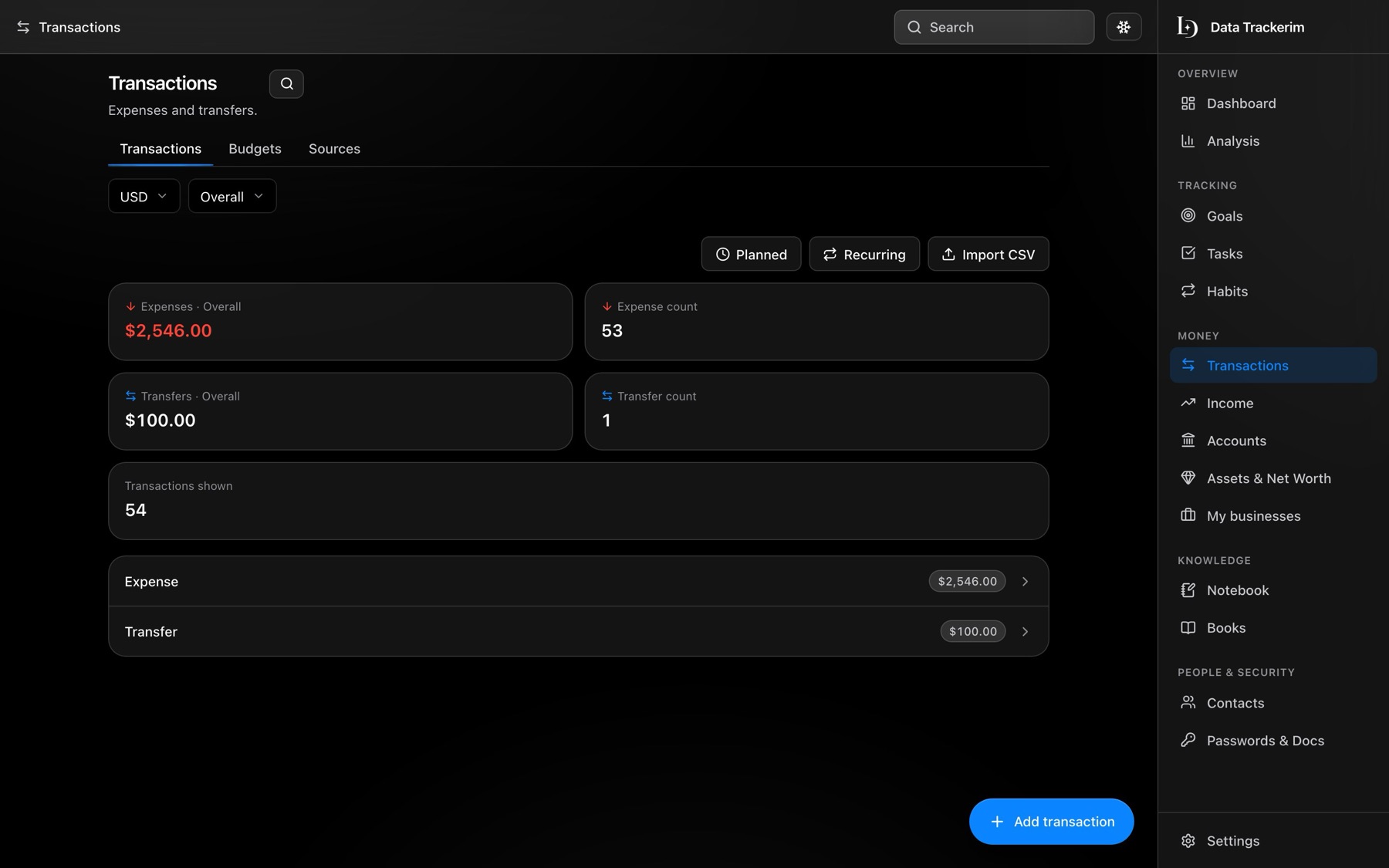
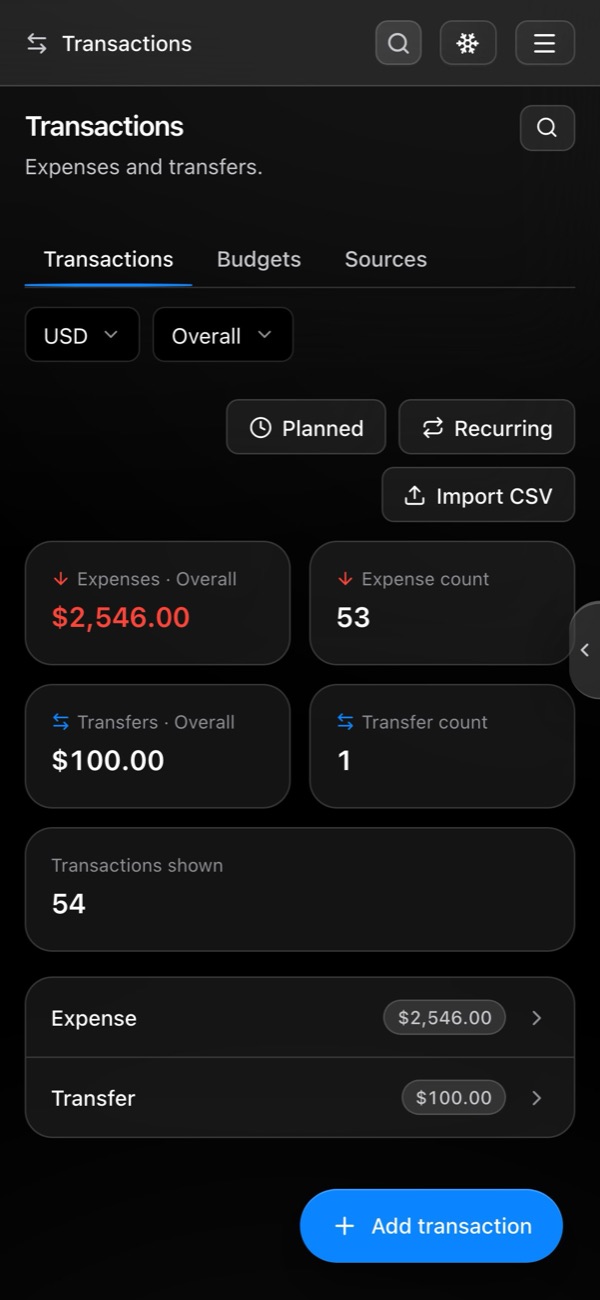
Accounts in any currency, transactions, budgets, recurring bills, loans and instalments, and income from every source.
Net worth and Analysis
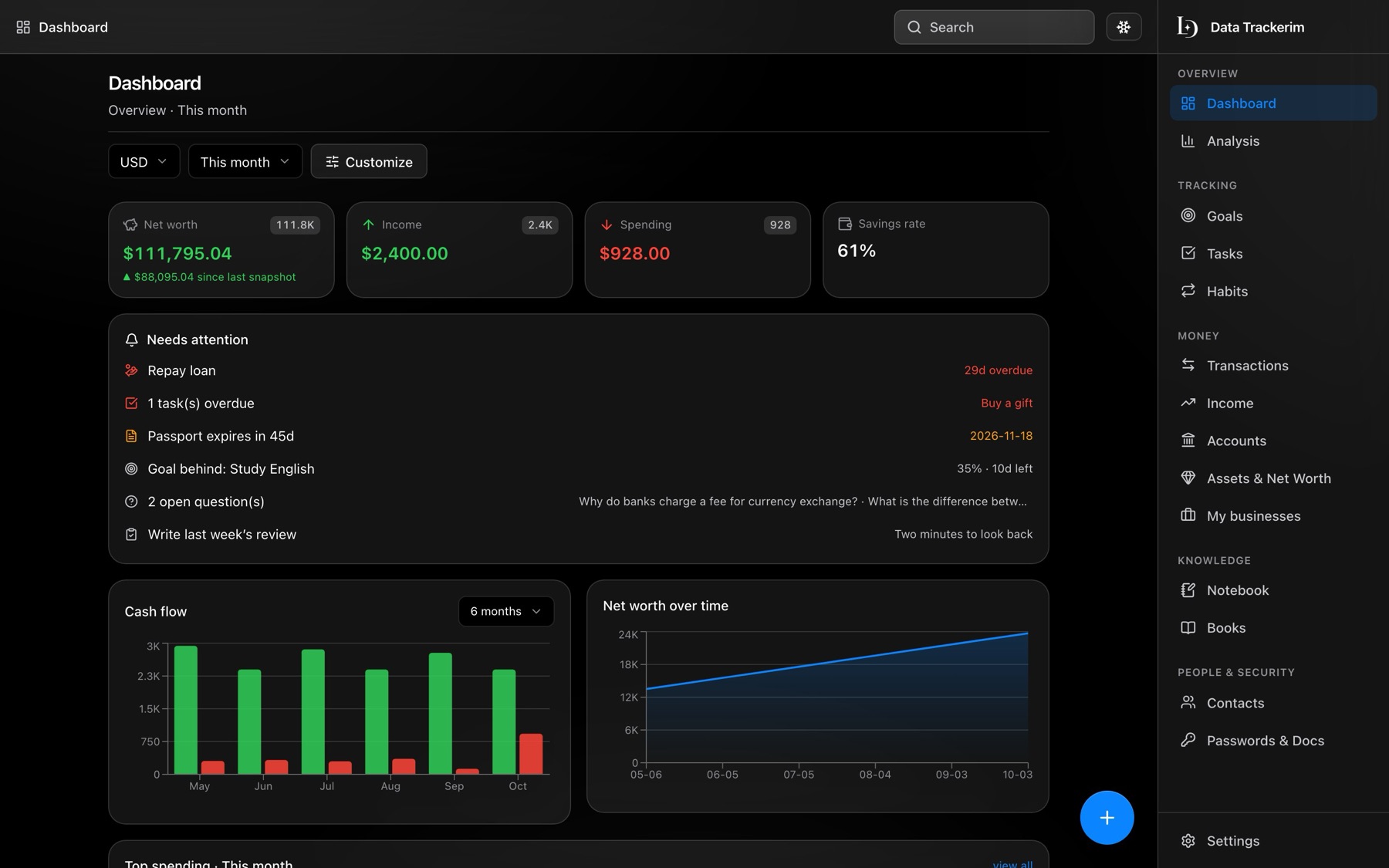
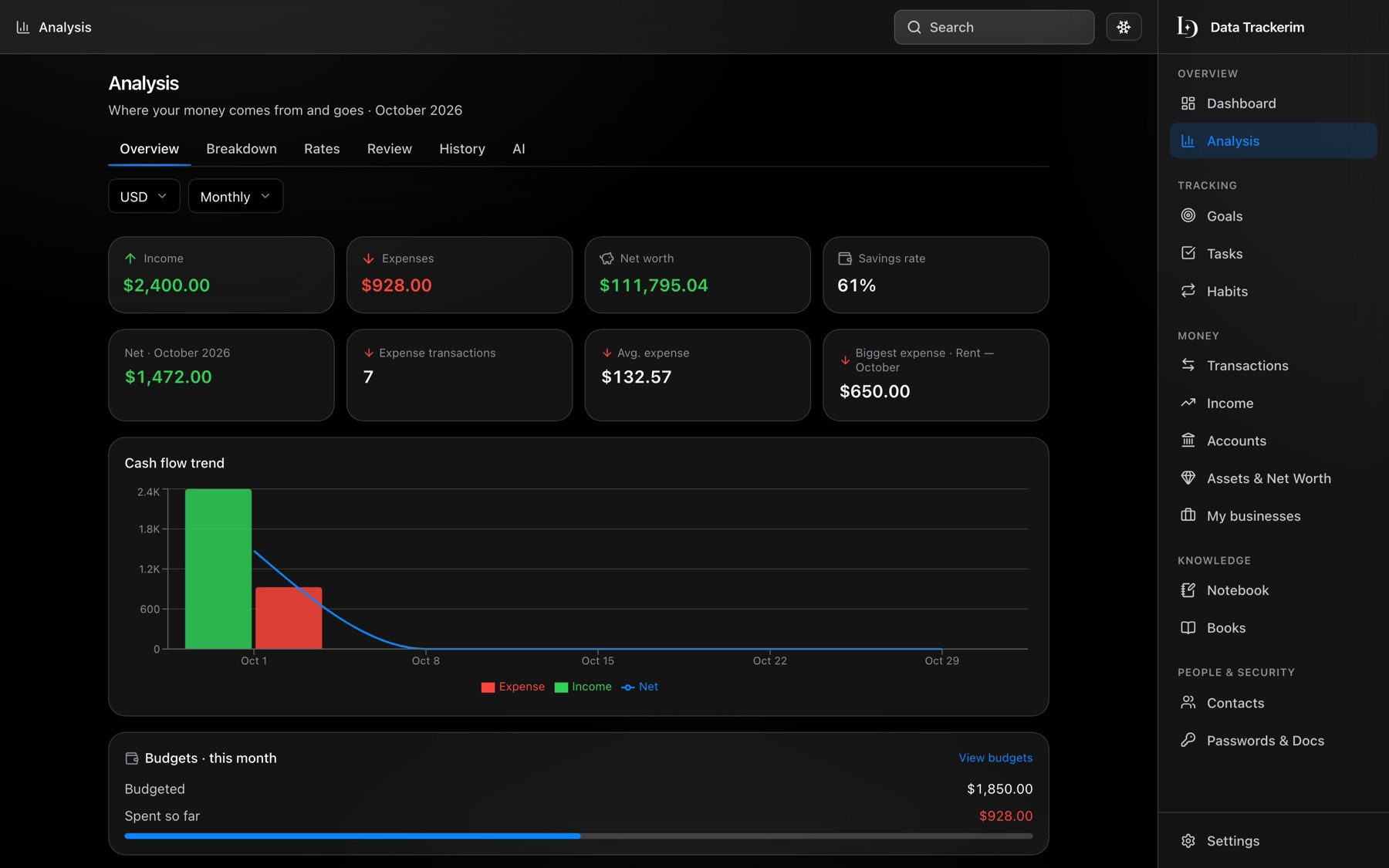
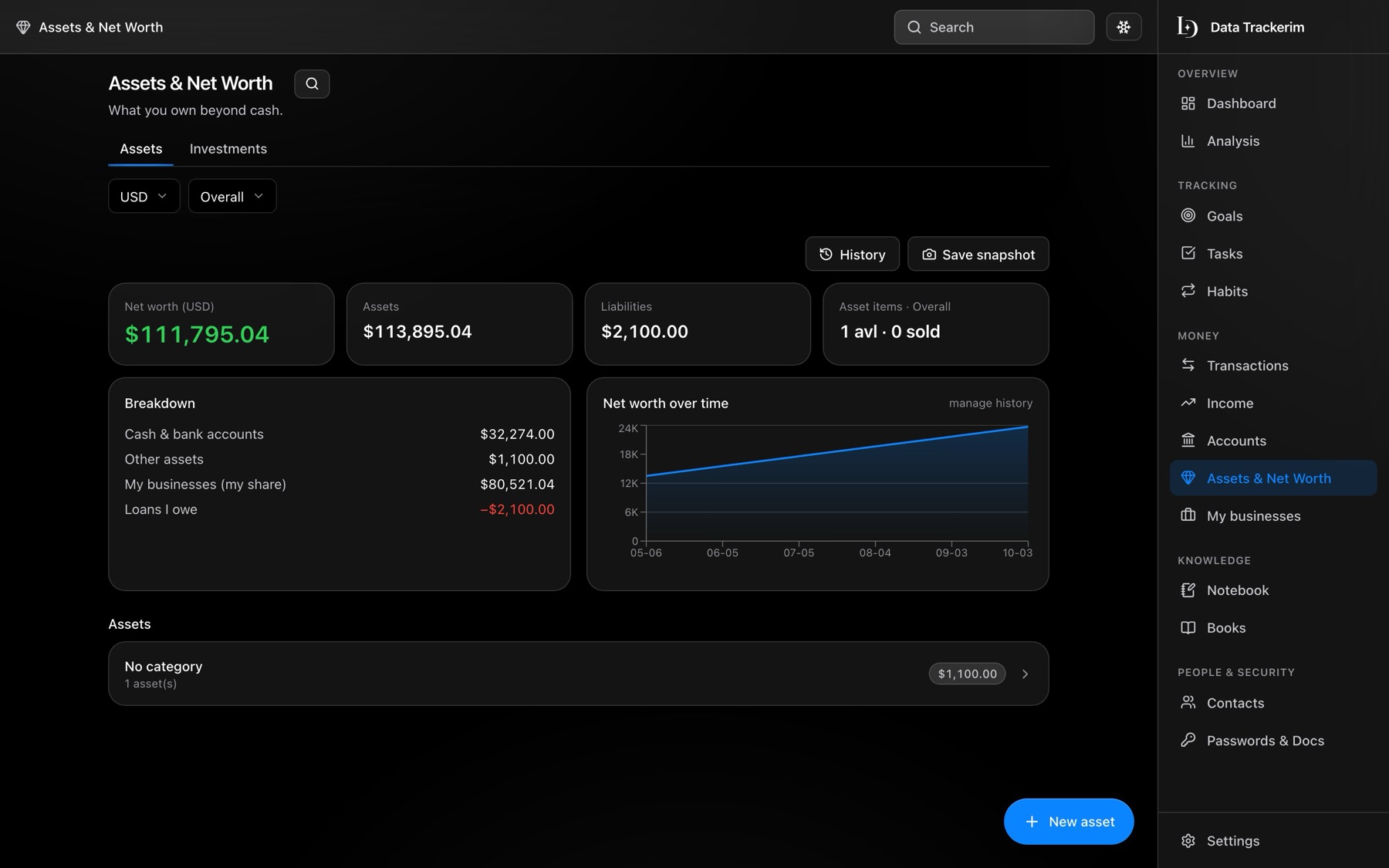
See what you own and owe, how it moves over time, and where the money goes — by month, category and currency.
Goals, tasks and habits
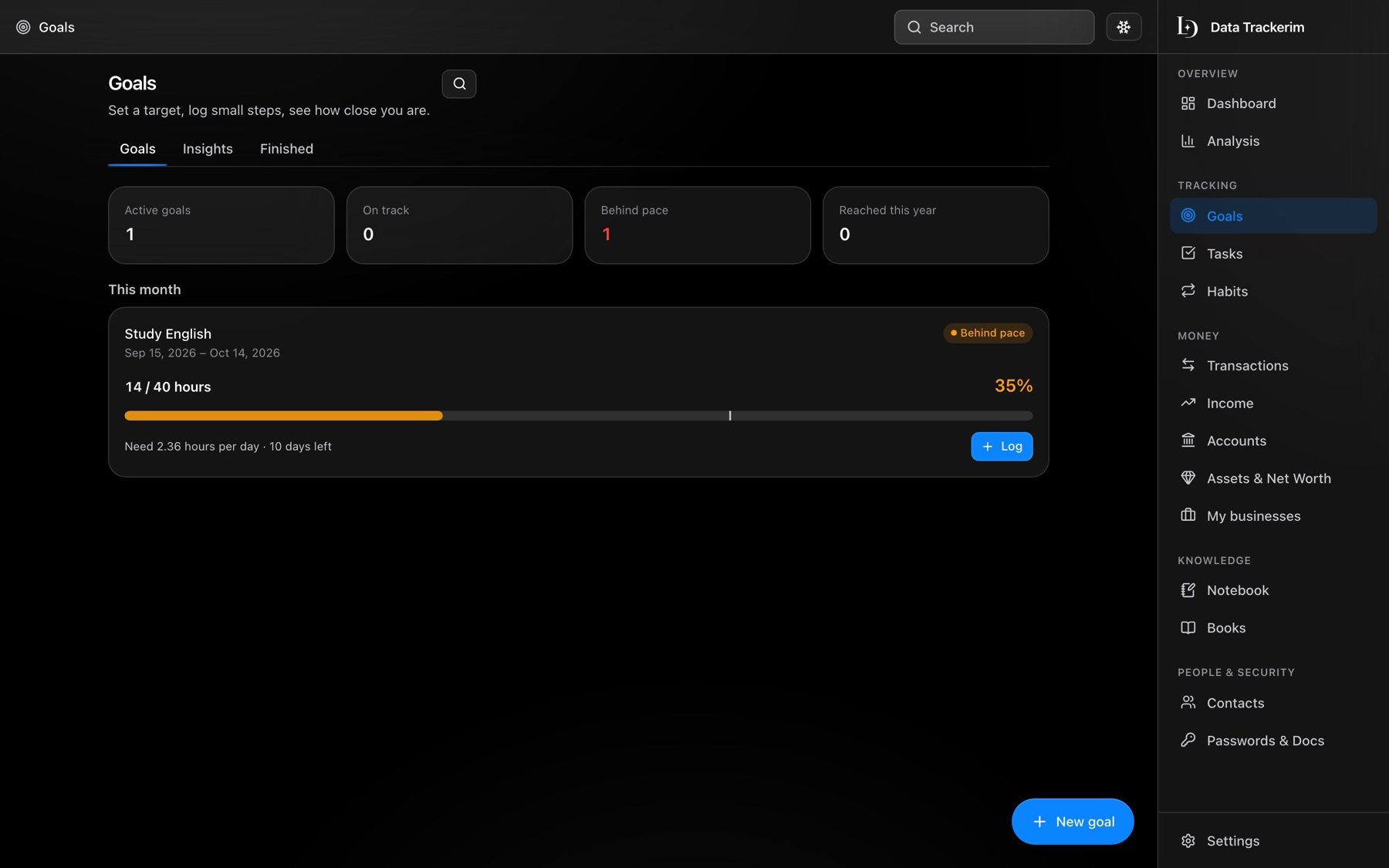
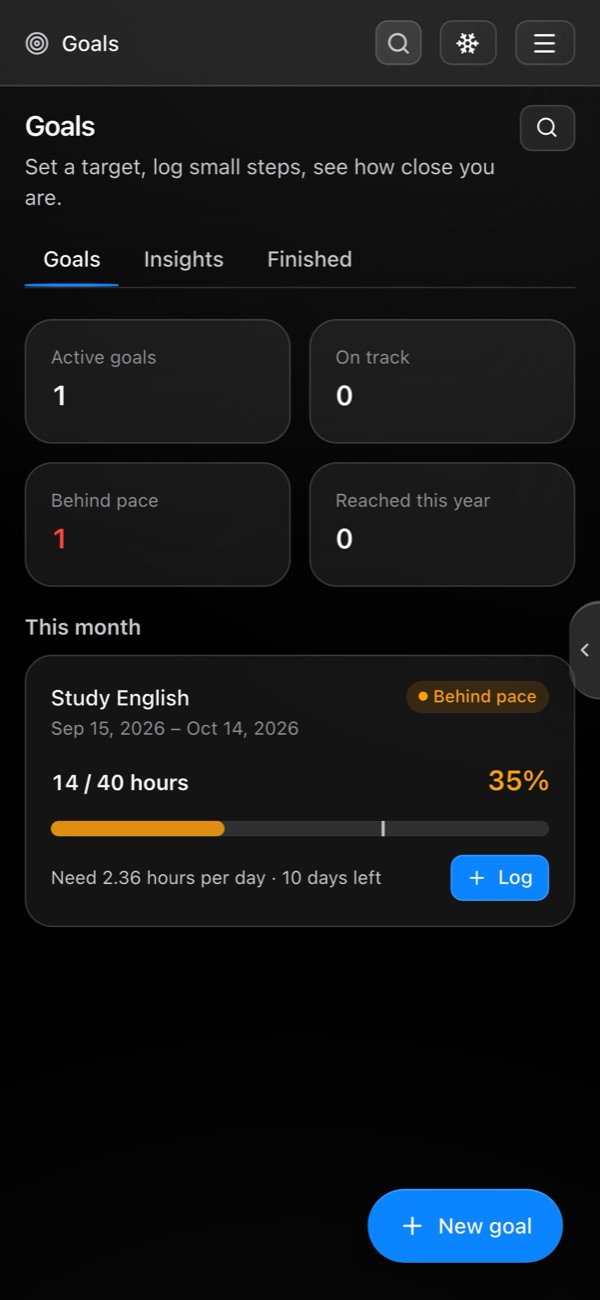
Set a target, log small steps, keep streaks, and look back with a short weekly or monthly review.
Notebook
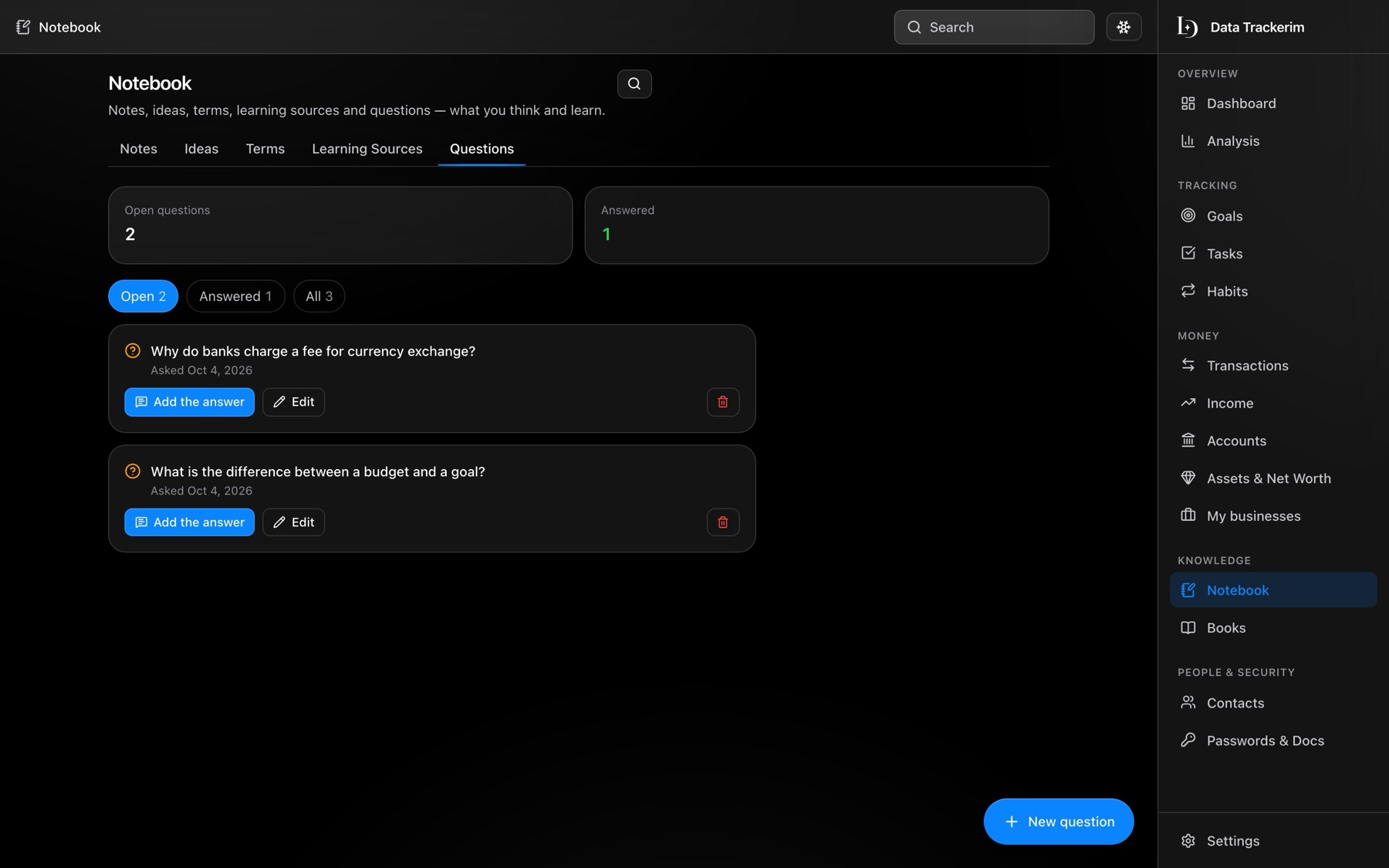
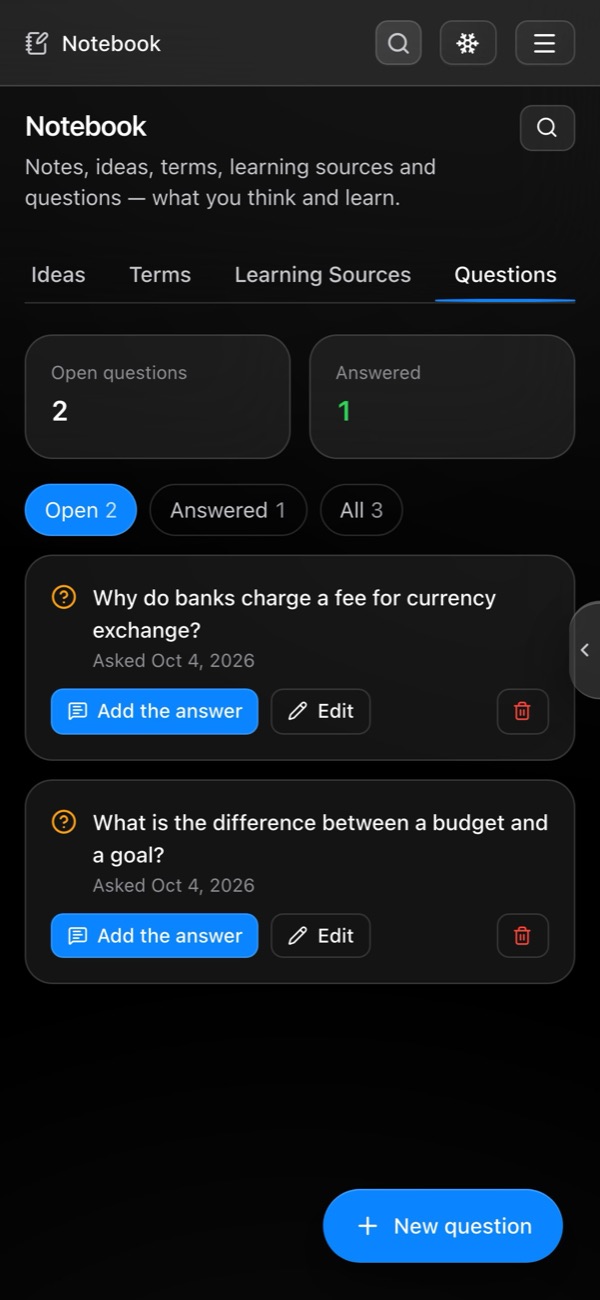
Notes, ideas, new terms, the courses you are learning from, and a Questions list: write the question now, the answer when you find it.
Books and contacts
What you read and what you thought of it; the people in your life, their birthdays and when you last spoke.
Passwords and documents
An encrypted password vault with two-factor codes, and a list of your documents with expiry reminders.
See it at work
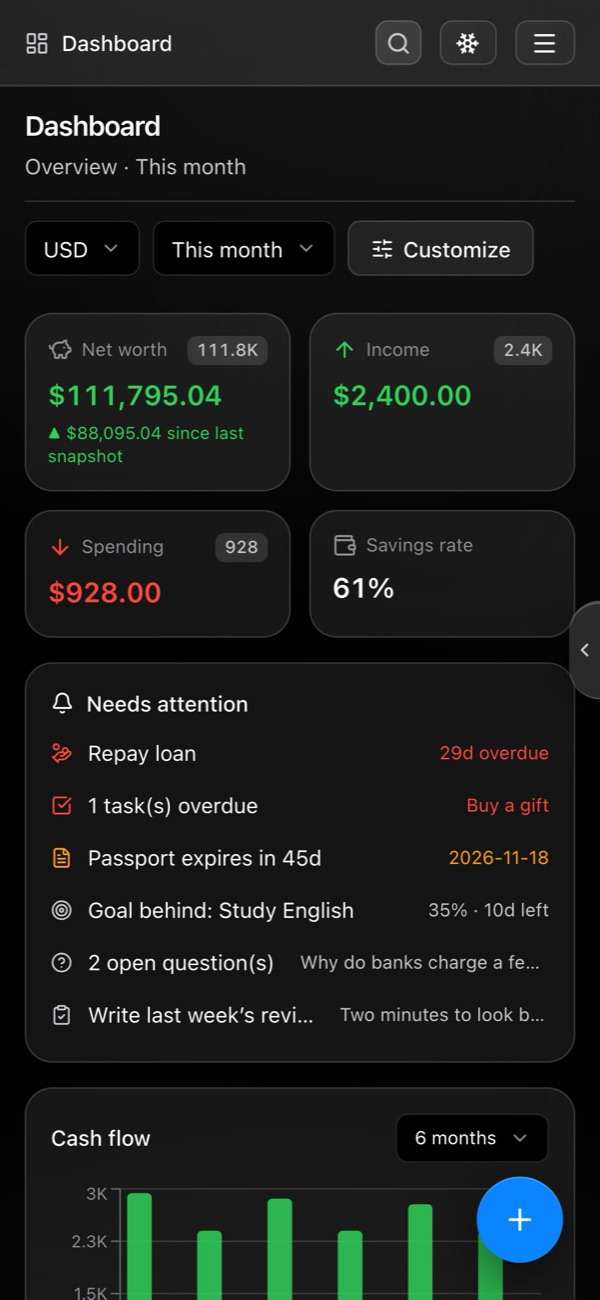
Real screens of the app, with sample data. It looks the same on a computer and on a phone.
Private by design
Works offline
Your data lives on your device first. No signal on the bus? Keep going; it syncs when you are back online.
Yours, not ours
No ads, no analytics trackers, and we do not sell your data. Read the details in the Privacy Policy.
Encrypted vault
Passwords and document numbers are encrypted with a master password only you know.
Take it with you
Export everything to Excel, an encrypted backup or a raw database file at any time, on any plan.
Free to start, simple to grow
Free
$0 forever
Core sections with unlimited records, sync on 2 devices, full export.
Plus
$3.99 / month
Everything unlimited, Analysis and Investments, up to 5 devices. $35 a year works out to about $2.92 a month. Try it free for 30 days.
AI opening soon
$9.99 / month
Everything in Plus, plus voice entry, questions about your money and forecasts. Try it free for 7 days.
Questions
Is it really free?
Yes. The free plan has no time limit. Plus and AI are optional upgrades with a free trial; you can cancel in one tap, and you can export your data on every plan.
Where is my data stored?
On your device first, and in your private account in the cloud so it syncs between your devices and is backed up. Your records are private to your account, and we only look at them as the Privacy Policy describes.
Does it work without internet?
Yes. Add and read everything offline; changes sync as soon as you are online again.
Can I use it on my phone and my computer?
Yes, in any modern browser, and you can install it like an app from your browser's menu (“Add to Home Screen” or “Install”). Native phone apps may come later.
Which languages?
English, Russian and Uzbek, switchable any time.
How do I sign in?
With your Google account, or with your email: we send a one-time link, or you can set a password.
Start with the free plan today
No commitment. Add your first account in a minute.